EN
EnglishEspañolPortuguês
Log in Start free
The three Devlot modes

Mode · New construction

You buy the lot, build and sell. With the numbers in plain sight.

It's the spec builder's business: building a house to sell it. Before you buy the lot you see what it would leave you; once it's yours, you run the build step by step, the bank loan and every expense through to the closing of the sale. All in one app, on your computer and on your phone.

9phases, from land to sale
320steps, each one says who does it
49steps check themselves off
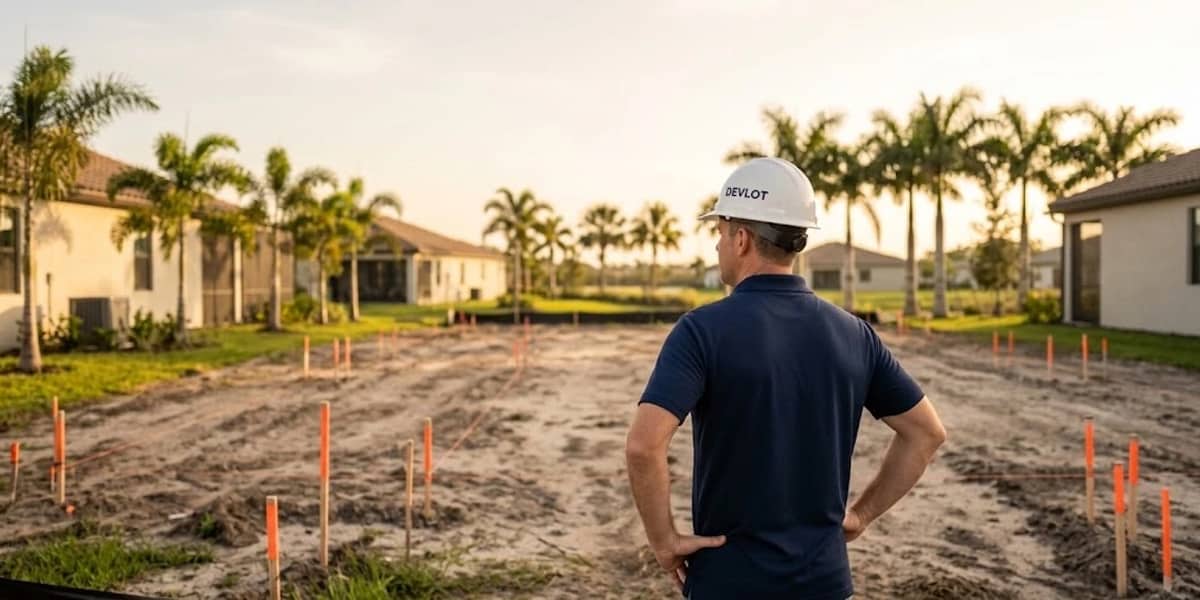
Builder seen from behind looking at a lot marked with stakes
Phase 1 · The lot

1 Before you buy

The Land Study: how much does that house on that lot leave you?

You enter the lot you're looking at and the house you plan to build. The app compares it with the homes that sold nearby (the comps), calculates what yours would sell for once finished (the ARV, After Repair Value: the sale value of the finished house), tells you what everything costs and what you keep, and puts it next to the minimum margin you ask for.

  • Buy Box · what you're looking for: size, bedrooms, bathrooms and your minimum margin
  • House and land comparables · by hand on every plan, or with AI Research via Zillow from Evaluator up
  • Profit Analysis · total cost, profit, margin, annual ROI and how much to offer for the lot
  • Plan B · another house on the same lot, to compare (optional)
  • Final Summary · you mark GO or NO-GO, and export it as a PDF

Want to see the math inside? Move it yourself in the calculator.

House ComparablesExample

8490 NW 85th St

Your house: 1,800 SF · 4 bedrooms · 2 baths · 2-car garage

Sold nearbySFPrice$/SF
8521 NW 84th Ter Selected3 bd · 2 ba · 1-car garage1,800$397,000$221
8433 NW 86th St3 bd · 2 ba · 2-car garage1,760$399,000$227
8610 NW 83rd Ct4 bd · 2 ba · 2-car garage1,950$449,000$230

Adjustments to the selected comp

$221/SF × your 1,800 SF$397,000
+1 bedroom+$5,000
+1 garage space+$10,000
Estimated sale (ARV)$412,000

You pick the comp most like yours and the app adjusts it for the differences with your house: bedrooms, bathrooms, garage, pool, lot and traffic.

Lot marked with stakes, with palm trees in the background
The lot, before you buy

Calculator · the study math

Move the numbers on your lot before you sign.

It is the same math as the Land Study in the app, with the assumptions a new study starts with. Enter your lot, your house and your sale price, and see what's left.

Your numbersExample

The app starts at $120/SF. Use the one for your area.

= $229 per SF

You set it in your Buy Box (the app starts at 20%).

Land Study · resultExample
Total cost$336,358
Profit$55,042
Margin13.4%
Margin on the saleyour minimum: 15%

Your Buy Box asks for a 15% margin. With these numbers you are 1.6 points below.

Where it comes from% of ARV

Maximum offer for the lot (1/7 rule)$57,680ARV × 14%
Regular offer for the lot$41,200ARV × 10%

The app shows the numbers. The decision is yours.

What the math already includes (and you can change in the app)
  • Lot purchase commission3% of the lot
  • General contractor5% of the build, minimum $12,000
  • Land loan60% of the lot
  • Construction loan70% of ARV or 85% of the bank budget ($180/SF), whichever is lower
  • Lender points2% of the loan
  • Loan interest10.5% a year
  • Build months6, on half the balance (the draws)
  • Months to sell2, on the full balance
  • Sales commission5% of ARV
  • Marginprofit ÷ ARV

It is the math of a newly created study, with no garage, porches or pool (in the app each area has its own percentage of the cost). When the study becomes a project, the app also adds the closing costs of the sale (0.7% by default). The example numbers are not an appraisal or a recommendation.

2 You've decided

The build budget and what the bank lends you.

When you mark GO, the project is born with the study's numbers. In Financial feasibility you build the line-item budget (it starts with 58 items), approve it, and the app calculates what the bank lends you: 60% of the lot and, for the build, the lower of 70% of the ARV and 85% of the budget you present to the bank.

  • Financial feasibility · budget, financing, break-even and safety margin; in PDF and Excel
  • LOI analysis · snap a photo of the lender's letter and AI reads the rate, term, LTV and LTC
  • Plan take-offBETA · upload the plan PDF, measure with its scale and get the area schedule
  • NAHB reference cost · to compare your cost per square foot with the national average
  • Rental / DSCR · in case you plan to rent it instead of selling
Financial feasibilityExample

Build budget

$216,000

1,800 SF · by cost phase

Permits and plans$12,000
Site preparation$16,000
Foundation$26,000
Structure$52,000
Roof$16,000
Systems (MEP)$38,000
Finishes$56,000
Bank budget$324,000
Construction loan$275,400
Land loan$51,000
You approved the budget: in the build, the steps to validate the early financial feasibility and to recalculate it with real data check themselves off.
Two builders reviewing plans in front of a house under construction
Phase 3 · Design & Engineering

The build, phase by phase

320 steps in 9 phases. 49 check themselves off.

Each step says who does it: the builder, the concrete contractor, the framer, title… The ones the app can already know, because you uploaded the document or logged the inspection, check themselves off.

  1. Phase 1 of 9

    Strategy & Land

    35 steps · 24 check themselves off

    You decide whether the deal exists: the market, the sale price, your margin and whether the lot lets you build without surprises.

    • You fill in your minimum margin in the Buy Box.“Set the minimum expected gross margin” checks itself off.
    • You mark that you already bought the lot.The purchase closing checks off and 5 negotiation steps are set to “Not applicable”.
    Land StudyAI Research
  2. Phase 2 of 9

    Due Diligence

    33 steps · 9 check themselves off

    You vet the lot thoroughly: survey, title, zoning, easements, soil, septic and HOA restrictions.

    • You upload a document with “survey” in its name.“Receive the updated lot survey” checks itself off.
    DocumentsLand Study
  3. Phase 3 of 9

    Design & Engineering

    40 steps · 5 check themselves off

    You turn the strategy into plans: architecture, structure, site plan and specifications.

    • You upload the plan to the Plans folder.“Select and buy the final architectural plan” checks itself off.
    Take-off (beta)Feasibility
  4. Phase 4 of 9

    Permits & Approvals

    32 steps · 3 check themselves off

    You get the permits from the county or city, the HOA and the utilities. Without approval, neither the build nor the first draw can start.

    • You upload the approved permit to the Permits folder.“Receive final building permit approval” checks itself off.
    DocumentsCalendar
  5. Phase 5 of 9

    Site Preparation

    40 steps

    You get the lot ready: clearing, grading, access, erosion control and laying out the house.

    QuotesSubcontractorsDraws
  6. Phase 6 of 9

    Structure

    50 steps · 1 checks itself off

    You put up the shell: foundation, framing, roof and sheathing. This is where quality, plumb, square and pace count.

    • You log the framing inspection as passed.“Receive the framing inspection” checks itself off.
    InspectionsExpenses
  7. Phase 7 of 9

    MEP Systems

    35 steps · 3 check themselves off

    You install the mechanical, electrical and plumbing (MEP), with their inspections before the walls are closed.

    • You log the plumbing, electrical and HVAC rough-ins as passed.Each of the three steps checks itself off.
    InspectionsTo-dos
  8. Phase 8 of 9

    Finishes

    40 steps · 1 checks itself off

    Everything the buyer sees and touches: drywall, paint, flooring, cabinets, trim and fixtures.

    • You log the insulation inspection as passed.“Request the insulation inspection” checks itself off.
    Finish selectionsAccounting
  9. Phase 9 of 9

    Exit / Sale

    15 steps · 3 check themselves off

    Punch list, staging, pricing, marketing, negotiation and closing: the project turns into money in the bank.

    • You upload the Certificate of Occupancy (CO).“Receive the Certificate of Occupancy (CO)” checks itself off; a passed final inspection checks off two more.
    AccountingCash flow

Inside the build there is also the finish selections list: 866 decisions in 89 categories (flooring, cabinets, faucets, windows…), so you can mark which ones you've settled.

3 The money for the build

Draws, expenses and accounting, from the same budget.

Each draw (a loan payout by stage) is requested against a line item or a whole phase of your budget. You mark it requested and then funded, and interest only runs on what you have already received.

  • Bank draws · planned, requested or funded, with an interest calculator
  • Lien waivers in PDF · all 4 types: conditional or unconditional, partial or final
  • Expenses from a photo of the invoice · AI reads the vendor, amount and date; you pick the phase
  • Quotes · approve one and it goes in on its own as an expense, with a to-do to draw up the contract
  • Accounting · budget vs. actual by phase, and the income statement
  • Cash flow · your capital, the draws, the loan payments and the sale
Bank drawsExample

Construction loan $275,400

8490 NW 85th St
Funded $42,000Requested $52,000To request $181,400
#1Site preparation$16,000Phase 5Funded
#2Foundation$26,000Phase 6Funded
#3Structure$52,000Phase 6 · due ~Oct 14Requested
#4Roof$16,000Phase 6Planned

Invoice read

Vendor
Sunshine Concrete
Amount
$17,600
Date
10/02/2026
Phase
6 · Structure
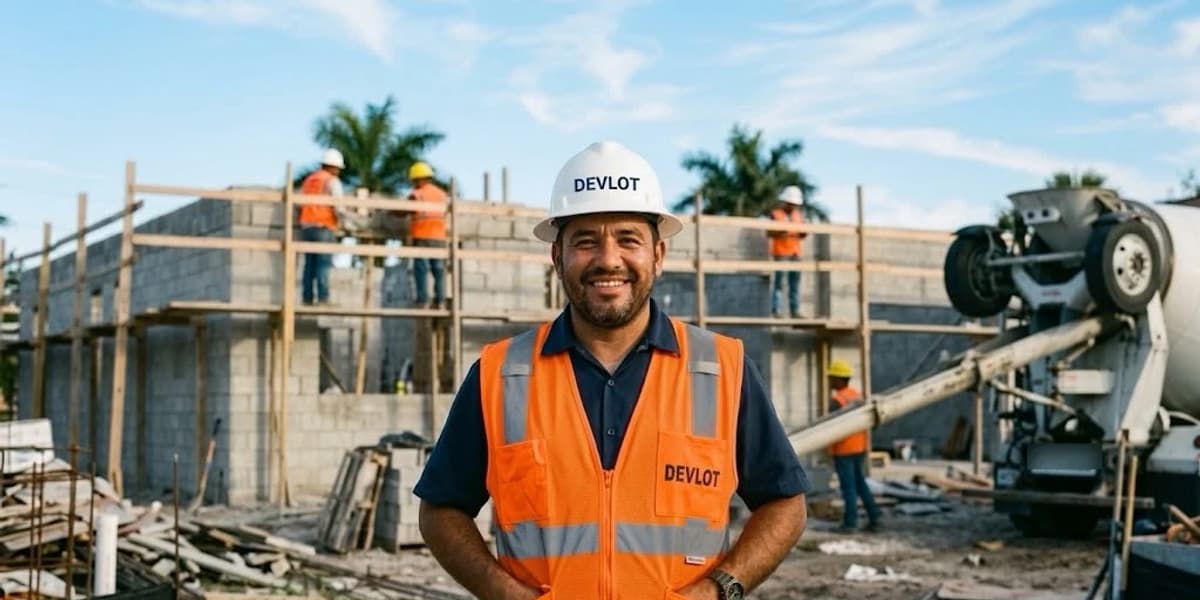
Builder in an orange vest in front of a jobsite and a cement mixer
Phase 6 · Structure

Your people and your assistant

The foreman sees the build. You see the money.

You invite your people by email, each with their role. And the assistant answers with your project's numbers.

  • Owner: sees everything, manages the team and is the only one who can delete the project. Admin or partner: sees and edits everything, without managing the team.
  • Field crew: the steps, inspections, calendar, quotes, to-dos and documents. Does not see sale prices, margins or the accounting.
  • Accounting: the feasibility, expenses, draws, cash flow and accounting.
  • AI assistant: knows your ARV, your budget, the draws, the expenses, the comps and the to-dos. It adds to-dos and expenses, and you confirm before anything is saved.
Up to 8 people per project on DeveloperThe assistant, also on WhatsApp on Developer and up

Which plan includes it

Studying the lot is free. The full build comes with Developer.

Prices in US dollars, per month. Pay yearly and get 2 months free. See all pricing.

To try it out

Free trial $0

  • The complete Land Study, with its 7 sections
  • Financial feasibility: budget and loan
  • 1 study and 1 project; comps entered by hand
To evaluate deals

Evaluator $59/mo

  • 8 studies · 5 projects
  • AI Research: 25 comps searches a month
  • LOI analysis, documents and the AI assistant
The full build

Developer $149/mo

  • 40 studies · 25 projects · 80 searches a month
  • The build in 9 phases, inspections, calendar and to-dos
  • Draws, expenses, accounting, cash flow, quotes and contracts
  • Plan take-off (beta) and several houses per project
  • A team of up to 8 people and the WhatsApp assistant
For teams

Builder $349/mo

  • Everything in Developer
  • Unlimited studies and projects · 200 searches a month
  • Unlimited team members
  • Reads your quotes with AI

For the first 14 days you get the full app, as on Developer, with 1 lot and 1 build. After that you keep the study and the feasibility for free, or choose the plan that fits you.

FAQ

What people who build to sell ask us.

Still have a question? Create your free account and run the study on your next lot.

Where does the study's sale price (ARV) come from?

From similar homes that sold nearby (the comps). You pick the one most like yours; the app takes its price per square foot to the size of your house and adjusts it for the differences: bedrooms, bathrooms, garage, pool, lot and traffic. You enter comps by hand on any plan, or AI Research finds them via Zillow from the Evaluator plan up. If you have your own number, you enter it by hand as a price per square foot.

What costs does the study's profit include?

The land and its purchase commission, construction per square foot (plus garage, porches, attic or basement if the house has them, each at its own percentage), the general contractor, the loan interest and points, and the sales commission. When the study becomes a project, the closing costs of the sale are added too. Every assumption can be changed.

Does the app tell me whether to buy the land?

No. The app shows you the numbers and how many points you are above or below the minimum margin you set. The decision, GO (you go ahead) or NO-GO (you pass on it), is yours to mark in the study summary.

What happens to the study when I mark GO?

The project is born with the study's numbers: the ARV, the cost and the loan. From there come the feasibility with the line-item budget, the bank draws, the expenses, the accounting and the build in 9 phases. Each piece of data is entered only once.

Which build steps check themselves off?

49 of the 320. They check off when the app already has the data: what you fill in on the study (your Buy Box, the zoning, the utilities), the documents you upload (the survey, the plan, the permit, the Certificate of Occupancy) and the inspections you log as passed (framing, plumbing, electrical and HVAC rough-in, insulation and the final).

Does it work outside Florida?

Yes, the app is for building in any US state. Watch two assumptions that come from Florida and are worth checking: the construction cost per square foot and the closing costs of the sale (0.7%, Florida's documentary stamp tax). You can change both in the app.

Phase 1 · Start with the land

Your next house starts with a study.

Create your account, enter the lot you're looking at and see today what it would leave you. For the first 14 days you get the full app.

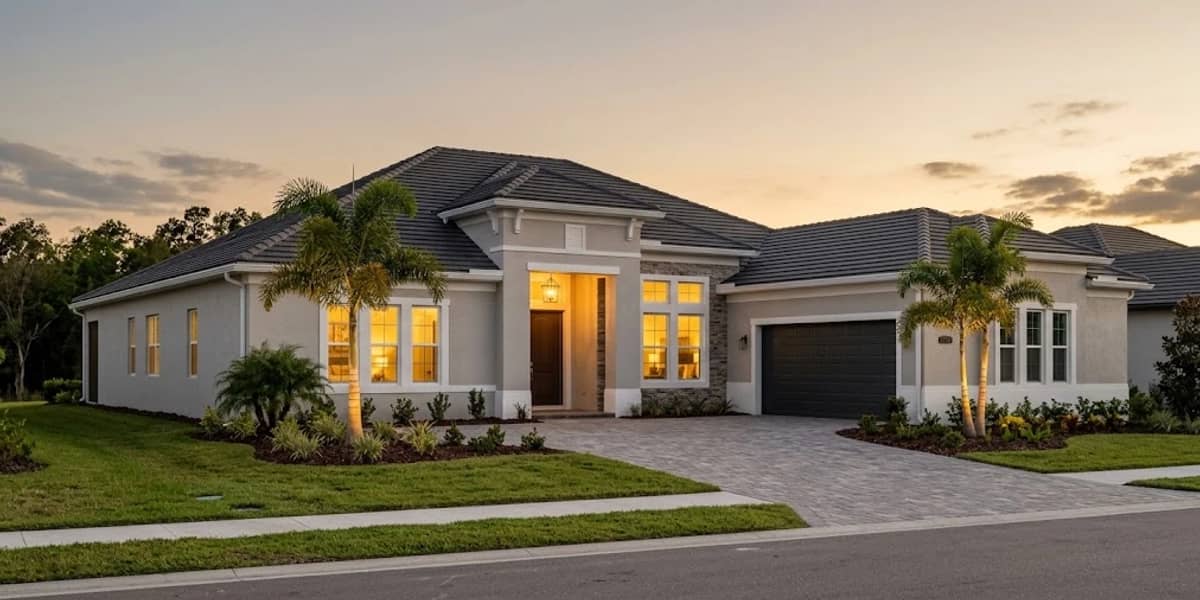
Finished single-story house at sunset
Phase 9 · Ready to sell