EN
EnglishEspañolPortuguês
Log in Start free

Builders and investors

From land to sale, in your pocket.

Build, flip or rent: before you buy the lot or the house, see if the deal makes money. Then run the build or the rehab step by step and keep track of the loan, all in one place, right from your phone.

Free to try: 1 land study and 1 project. Nothing to install: it works in your browser and on your phone.

View as Example
Elevation of a single-story house being built in 9 stages, from land to sale. APPROVED BUILDING PERMIT LOT 80' FLOOD ELEVATION BORING 1BORING 2 A B C 10' ACCESS SLAB STUDS 16" O.C. FOR SALE 1 2 3 4 5 6 7 8 9 STREET LOT 80' N SETBACKS BORING 1BORING 2 50' DRIVEWAY A/C MASTERBATHLAUN. BED 2KITCHENLIVING BED 3GARAGE FOR SALE 1 2 3 4 5 6 7 8 9 LOT 80' FLOOD LEVEL A B C 20' FOR SALE 1 2 3 4 5 6 7 8 9
Project
8490 NW 85th St
Sheet
S-201 Structure
Phase
6 of 9
Progress
Step 200 of 320
StructureFoundation, slab, wood framing and roof.
Drag the tape and watch the house go up 62%of the buildphase 6 of 9 · step 20 of 50
Phase 6 · Structurestep 20 of 50

Three modes

Build, flip or rent. Every deal with its own numbers.

The app adapts to your business: the same numbers you already run, organized for new construction, Fix & Flip or BRRR.

Buy a lot, build the house and sell it.

The full path, from land to sale: what you see in the drawing above.

  • Land study with nearby sold homes (comps) to decide GO or NO-GO
  • Line-item budget that feeds the bank draws
  • The build in 9 phases and 320 steps, with inspections and documents
All about new construction
Land studyExample
Lot price$85,000
Estimated sale (ARV)$412,000
Total cost$336,358
Margin on sale13.4%
Profit$55,042

The app shows the numbers. The decision is yours.

Inside the app

This is the app as your build moves along.

The same tape moves the drawing, the phone and the computer. Each phase opens its module: tap one in the app's menu, or hit play and watch the whole build.

Drag the tape or tap a module in the app.

devlot.app
Example
8490 NW 85th St

What it does

The land, the build and the money, in one app.

What you enter while studying the land is used later by the build and your books. Every number is entered once: no more copying from one spreadsheet to another or digging for papers in the truck.

1 Before you buy

Is that lot worth buying? Before you sign, see if it makes a profit.

You enter the lot and similar homes that sold nearby (the comps). The app calculates what the finished house could sell for, what everything costs and what you keep, and compares it with the minimum profit you set. With those numbers you decide whether to go ahead (GO) or pass (NO-GO).

  • Land study · estimated sale price (ARV), total cost, profit and margin
  • AI research · finds homes and lots sold nearby, via Zillow
  • Feasibility · the construction budget and the loan
  • LOI analysis · the lender's letter: rate, term, LTV and LTC
  • Plan take-off · reads the rooms and their sizes from the PDF
Land studyExample

8490 NW 85th St

Single-story spec home · finished, it would sell for $412,000 (ARV)

Total cost$336,358
Profit$55,042
Margin13.4%
Margin on saleyour minimum: 15%

1.6 points short of your 15% minimum.

To hit your 15%, the land would have to cost $78,600 or less.

The app gives you the numbers. The decision is yours.
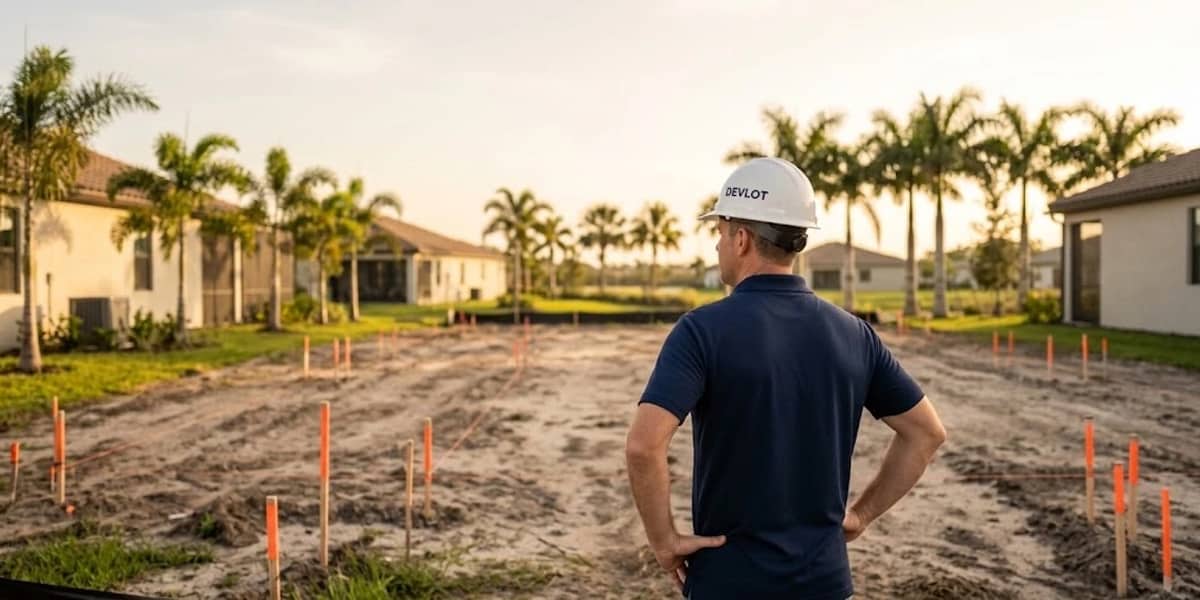
Builder seen from behind looking at a staked lot, with palm trees in the background
The land, before you buy

2 During the build

The whole build, organized from land to sale.

The app tells you what comes next at every stage, and many steps check themselves off as you go. For example:

  • You upload the approved permit to the Permits folder.The step “Receive final building permit approval” checks itself off.
  • You log the framing inspection as Passed.That inspection's step checks itself off.
  • You fill in what you look for in a lot (your Buy Box).The first steps of phase 1 check themselves off.

320 steps in all, spread across 9 phases, and each one says who does it.

  • Calendar · everything you have scheduled, in one place
  • Inspections · you log whether it Passed or Failed
  • Documents and photos · Permits, Plans, Deeds / Title, Photos, Invoices, Contracts
  • To-dos · your list of things to get done
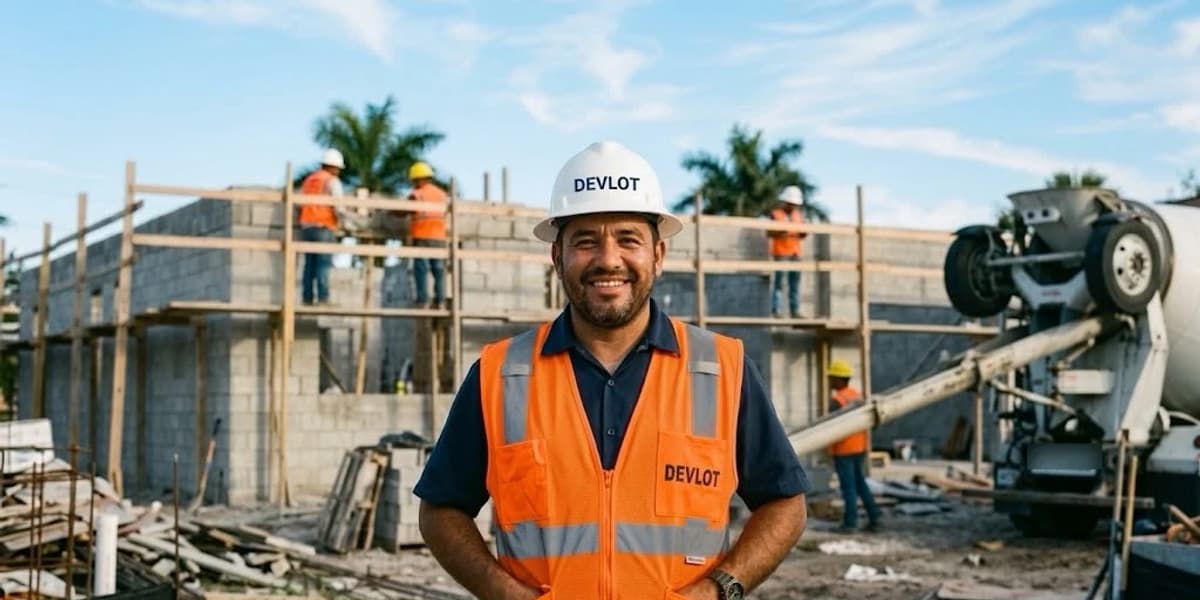
Smiling builder in an orange vest in front of a jobsite and a cement mixer
Phase 6 · Structure

3 The money

The loan, the expenses and your books, always up to date.

The budget you built while studying the land feeds the draws (the loan payouts by stage), the accounting and the cash flow. Tap a draw to see how much of the loan you have collected so far.

  • Bank draws · planned, requested or funded
  • Expenses from a photo of the invoice · AI reads it for you
  • Accounting · budget vs. actual, phase by phase
  • Cash flow · the money coming in and going out during the build
  • Quotes · approve one and it goes in on its own as an expense and a to-do
Bank drawsExample

Loan $312,000

8490 NW 85th St
Funded $110,800Requested $52,000To request $149,200

Invoice read

Vendor
Sunshine Concrete
Amount
$17,600
Date
10/02/2026
Phase
6 · Structure

Snap a photo: AI reads the vendor, amount and date, and you review it and pick the phase.

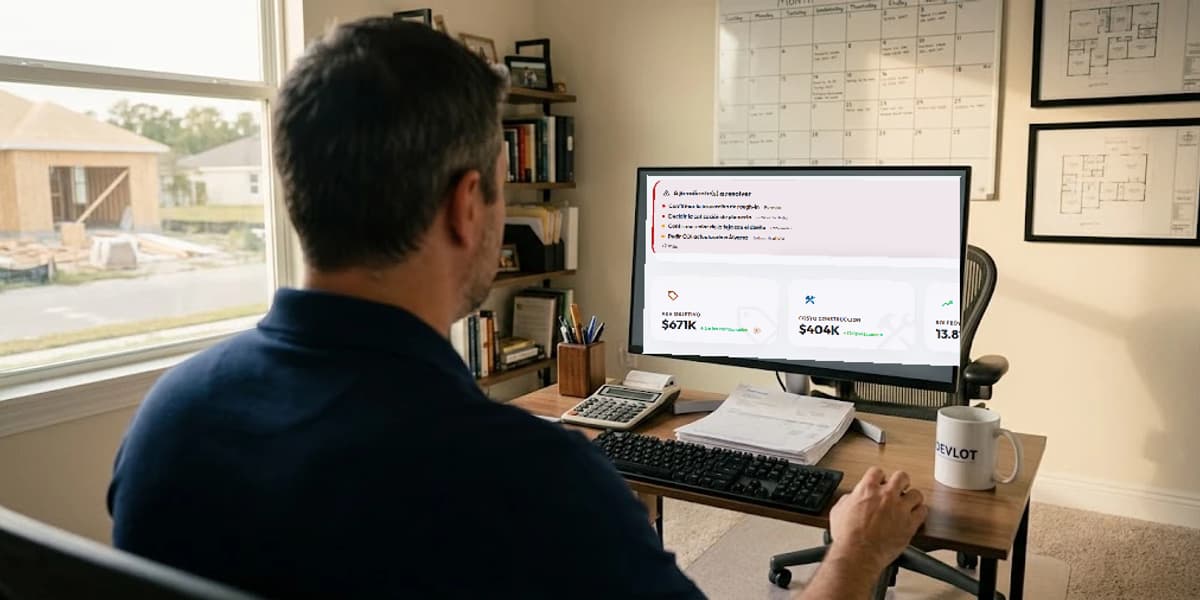
Builder in his office reviewing Devlot on the monitor
The books, at the office

AI assistant

Ask your project the way you'd ask your partner.

The assistant knows what you've already entered in the app and answers with your own numbers.

  • Knows your project: the land study, how much you've collected and requested from the bank, your expenses by category and how the build is going.
  • Takes notes for you: ask it to add a to-do or an expense, and you confirm it in the app before it's saved.
In the appOn the Developer plan and up, also on WhatsApp
Team · who sees whatExample

Everyone sees their part.

Invite your people with a role. Switch the role and see what they see.

The owner sees everything: the build and the money.

Your people and your paperwork, here too.

  • Team with rolesup to 8 people per project on Developer
  • Subcontractorsyour directory, on hand for quotes and contracts
  • PDF contractsready to sign with your e-signature app
  • Development homesseveral homes within one project
  • Finish selectionsflooring, cabinets and paint, room by room (866 on the list)
  • Inspirationphotos and ideas for your home

Who it's for

Made for people who build or remodel to sell.

Spec builders · you build to sell

You buy the land, build the house and sell it. From the study to the sale in one project.

See new construction

Fix & Flip and BRRR · you buy, remodel and sell or rent

Run the numbers before you buy, then track the remodel and the money in the same place.

See Fix & FlipSee BRRR

Builders with a team

Several projects and people on site, each with their own role.

Two builders reviewing plans in front of a house under construction
Reviewing the plans on site
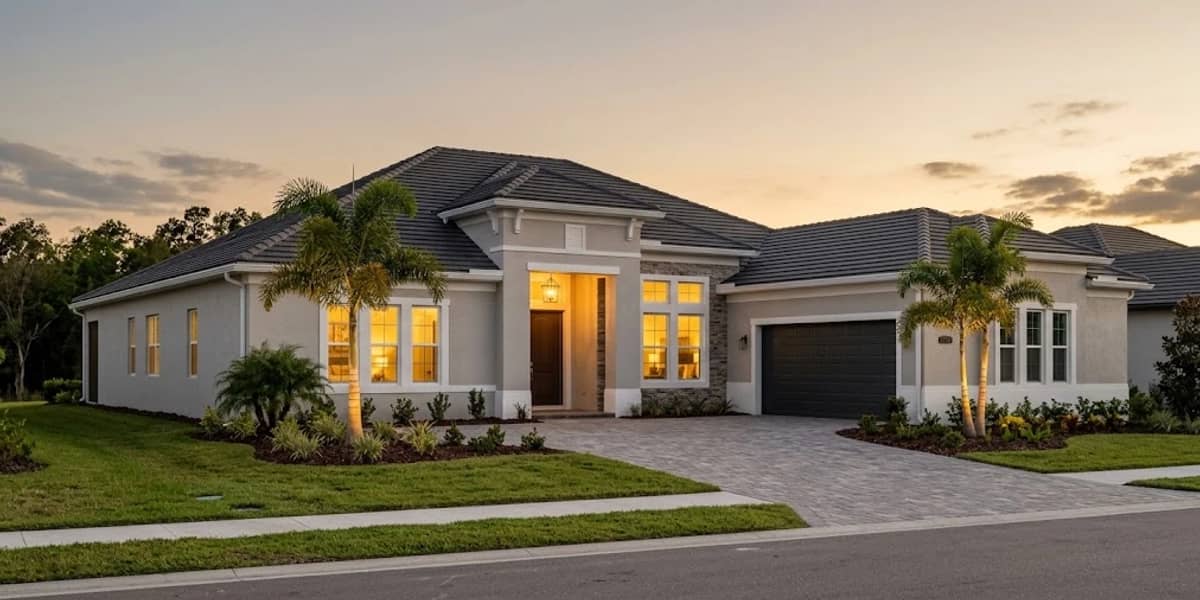
Finished single-story house at sunset
Ready to sell

Pricing in US dollars

Start free. Grow when your business grows.

Pay yearly and get 2 months free.

Plan 1To try it out

Free trial

$0


  • 1 land study
  • 1 project
Start free
Plan 2To evaluate deals

Evaluator

$59/mo

or $590/yr

  • 8 studies · 5 projects
  • 25 comps searches a month
  • AI research (comps), LOI and documents
Choose Evaluator
Plan 3Most popular

Developer

$149/mo

or $1,490/yr

  • 40 studies · 25 projects
  • 80 comps searches a month
  • Draws, accounting, cash flow, quotes and contracts
  • Team with roles (up to 8 per project)
  • WhatsApp assistant
Choose Developer
Plan 4For teams

Builder

$349/mo

or $3,490/yr

  • Unlimited studies and projects
  • 200 comps searches a month
  • Unlimited team members
  • Priority support
Choose Builder

FAQ

What people ask us before getting started.

Still have a question? Create your free account and try it on your next lot.

Does it work if I'm not tech-savvy?

Yes. Devlot guides you step by step: load the land and your comps (similar homes sold nearby), and see the numbers to decide GO or NO-GO. Many construction steps check themselves off. If you can use WhatsApp, you can use Devlot.

Does it work for Fix & Flip and BRRR?

Yes. When you create a study you pick the type: new construction, Fix & Flip or BRRR. In Fix & Flip you see your maximum offer (MAO), the line-item rehab, holding costs and profit; in BRRR, how much cash you pull out at the refi, monthly cash flow and DSCR. Then you run the build or the rehab in the same app.

Does it replace my Excel and spreadsheets?

That's the idea. One place for the study, viability, draws, accounting, contracts and the build — with a single source of truth per project. No more "which was the latest version?".

Is my data safe?

Each user sees only their own projects (database-level security). Documents and invoices are kept in private storage and served with temporary links.

How long to get started?

Minutes. Create your free account, load the land and your comps, and see the numbers to decide GO or NO-GO. Nothing to install: browser and phone.

Can I change or cancel my plan?

Anytime. Pay monthly or yearly (2 months free); upgrade, downgrade or cancel with no strings. Start free and pay only once the app is already saving you work.

Who is Devlot for?

For spec-builders and residential developers who build to sell. From someone evaluating their first lot to a builder running several projects at once.

Phase 1 · Start with the land

Your next house starts on the drawing board.

Create your account, enter the lot you're looking at and see today whether it makes a profit. From land to sale, in your pocket.

Finished single-story house at sunset
Phase 9 · Ready to sell or rent